How hard is it to install a terminal guidance module on an FPV drone
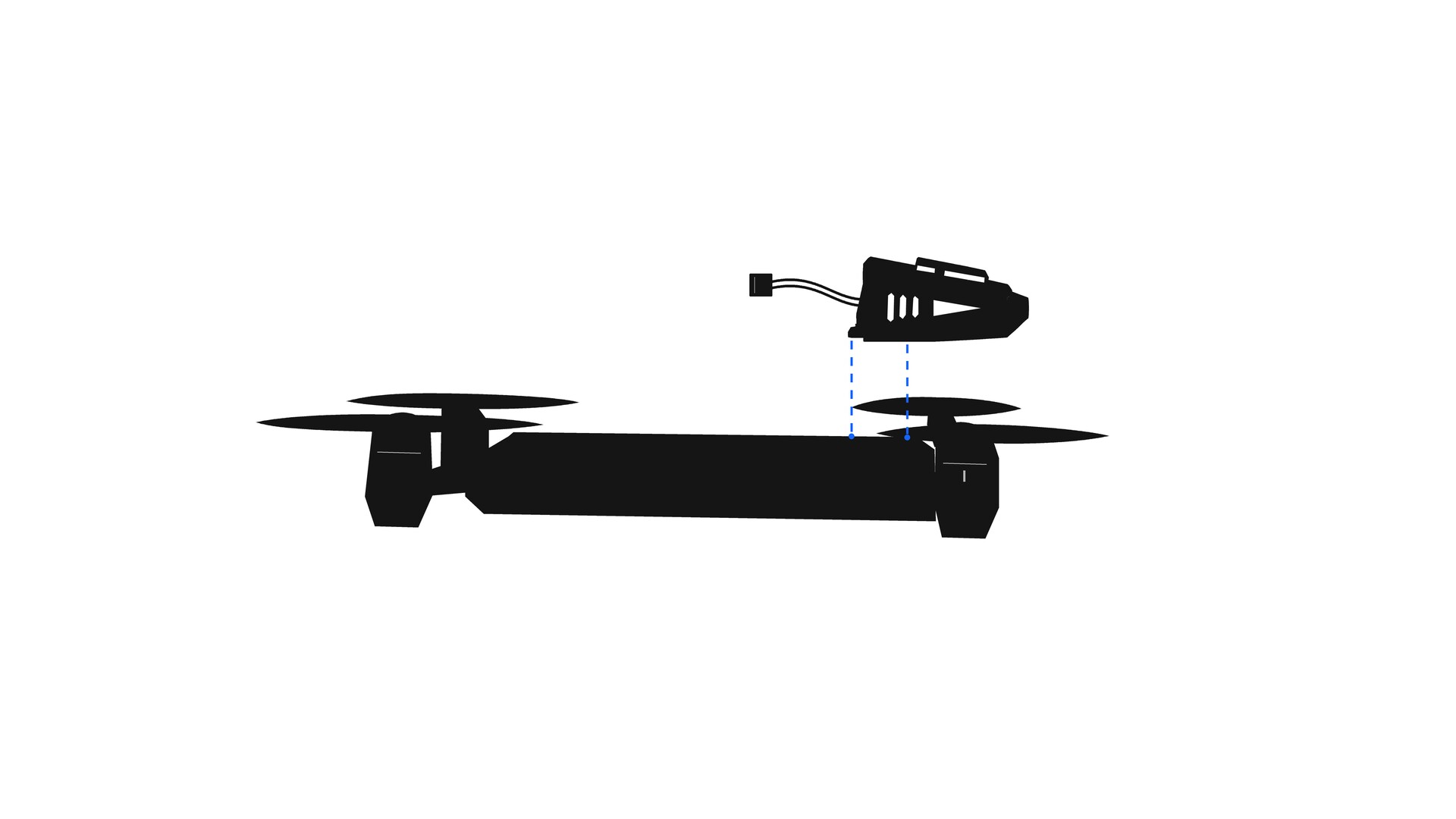
Many manufacturers and workshops put off installing a terminal guidance module because they think AI for FPV is a complex system that needs a dedicated engineer. In reality, integrating the ZIR module takes about as long as building and tuning an ordinary FPV drone. Here is what it involves.
What the drone needs
The ZIR module doesn’t require a special airframe. Any quad that already flies well will do, provided it meets these conditions:
- ESCs with Bidirectional DShot support — the BlueJay firmware is installed on the ESC.
- A barometer — needed for cruise mode. If the drone doesn’t have one, an external one is added, for example a BMP280.
- Well-tuned filters and PID — guidance accuracy depends on them directly.
The module takes over computer vision for FPV drones, but the drone still flies on its own flight controller. The better the quad is tuned, the more stable the machine vision for kamikaze drones works on the final approach.
Connecting the autopilot to the flight controller
The physical connection is the same for the ZIR AI and ZIR Base modules. An 8-pin JST SM 2.54 mm connector is soldered to the flight controller following the diagram in the manual. The module’s cable connects to a free UART, and the ELRS receiver and video transmitter are soldered in the standard way. No frame modifications or non-standard boards are needed.
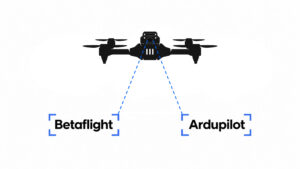
Betaflight guidance setup
Betaflight guidance is configured in the familiar Betaflight Configurator and takes a few tabs:
- Ports — enable MSP on the module’s UART.
- Configuration — AIRMode must be enabled.
- Receiver — set the standard channel parameters.
- Motors — enable Bidirectional DShot.
- Modes — allow MSP Override with a single CLI command and bind this mode to the attack channel.
Supported versions are Betaflight 4.4.3–4.5.x, as well as MILBETA and MILELRS 4.26.
Ardupilot guidance setup
The process for Ardupilot is similar but has its own specifics. Besides a barometer, a magnetometer is required, and PID is tuned with the standard AutoTune procedure. Next, in Mission Planner or QGroundControl, you set the port parameters for communicating with the module over MAVLink2, the automatic descent rate, and the flight modes on the transmitter switches. The Ardupilot module manual lists all parameter values, so they can simply be copied over.
Setting up module control
On first power-up the module creates its own Wi-Fi access point. Through the web interface, the system is bound to your radio: channels are assigned for mode selection, target lock and attack. The module uses only a few channels on the transmitter, so it’s important not to overlap them with other functions, such as payload drop or a servo.
How long it takes
For a workshop that already builds FPV drones, integration requires no new skills: soldering, ESC flashing and setup in a familiar configurator. Step-by-step instructions for Betaflight and Ardupilot are available on the website, and ZIR technical support helps with installation questions.
A guidance module is not a separate complex system but an add-on to a drone you already have. A few hours of work give every airframe automatic guidance, cruise control and resistance to EW.